



Video Training →Premiere Pro Mastery: Create After Effects Style Animations
Published by: 0nelove on Yesterday, 21:24 |  0
0
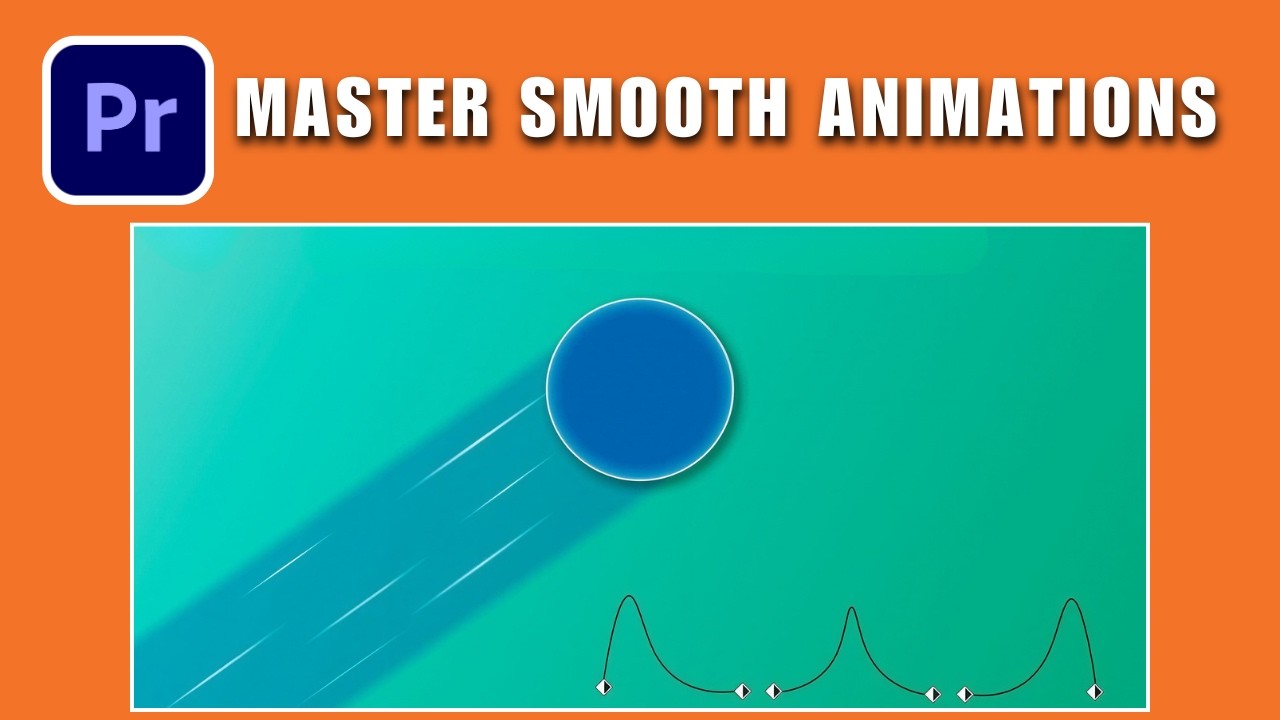
Premiere Pro Mastery: Create After Effects Style Animations
Published 3/2026
MP4 | Video: h264, 1920x1080 | Audio: AAC, 44.1 KHz, 2 Ch
Language: English | Duration: 30m | Size: 605.68 MB
Learn to build advanced transitions, text animations, and visual effects directly inside Adobe Premiere Pro.
What you'll learn
Create professional motion graphics and text animations using only Premiere Pro tools, without ever opening After Effects.
Master keyframing and the Graph Editor to design smooth, organic, and dynamic transition effects.
Apply complex VFX techniques like masking, tracking, and green screen directly within the Premiere Pro timeline.
Design and build your own custom, reusable animated lower thirds and title sequences from scratch.
Requirements
Basic understanding of Premiere Pro (familiarity with the interface, timeline, and basic cutting tools).
Description
This course contains the use of artificial intelligence.
Do you think you need After Effects to create stunning animations and professional visual effects? Think again.
Many intermediate video editors feel limited by Premiere Pro, believing that "cool" edits require jumping into complex compositing software like After Effects. This course is here to shatter that myth.
In this course, designed specifically for intermediate editors, we will push Adobe Premiere Pro to its absolute limits. I will show you how to replicate high-end motion graphics, smooth transitions, and complex VFX workflows without ever leaving your timeline.
What you will learn
• Advanced Keyframing: Master the graph editor for silky smooth animations.
• Custom Transitions: Build your own complex transitions from scratch.
• Text Animation: Create kinetic typography and lower thirds that look like they were made in AE.
• VFX & Compositing: Green screen, masking, and tracking techniques directly in Premiere.
• Workflow Efficiency: How to save time by staying in one software.
A Living Course That Grows With You!
Our course will be updated with more videos every week! We believe that learning shouldn't stop after the first chapter. That is why we are committed to adding fresh tutorials, new case studies, and advanced tips regularly. By enrolling today, you are not just buying a static product; you are gaining lifetime access to an evolving library of knowledge. As Premiere Pro updates and new trends emerge, this course will expand to keep you ahead of the curve—at no extra cost to you.
Stop switching between programs and start creating faster, smoother, and better edits today. Let's master Premiere Pro together!
Who this course is for
Video editors who want to advance their skills but find After Effects too complex or time-consuming.
Content creators and YouTubers looking to produce high-quality, professional animations quickly for their videos.
Freelance editors who want to streamline their workflow and avoid the time loss of switching between software.
https://rapidgator.net/file/f79180d42b964f0bb4eac0671d1af6ad/Premiere_Pro_Mastery_Create_After_Effects_Style_Animations.rar.html
https://nitroflare.com/view/46B1EED0EECBD00/Premiere_Pro_Mastery_Create_After_Effects_Style_Animations.rar
https://nitroflare.com/view/46B1EED0EECBD00/Premiere_Pro_Mastery_Create_After_Effects_Style_Animations.rar
Related News
-
{related-news}