



Video Training → Microsoft Endpoint Manager Deploy Applications with MECM
Published by: voska89 on 26-10-2021, 19:11 |  0
0
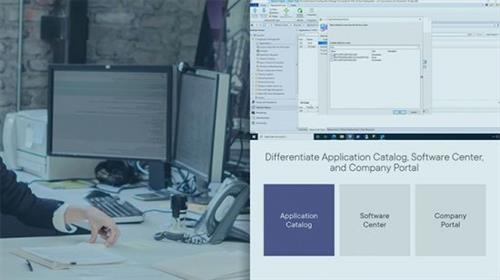
Greg Shields | Duration: 2:25 h | Video: H264 1280x720 | Audio: AAC 48 kHz 2ch | 272 MB | Language: English + SUB
Dive deeply into the intricate detail of deploying applications with MECM in this course.
Your work in packaging applications in the last course of this learning path sets the stage for delivering those applications in this course. MECM includes a robust -- and some might say complicated -- engine for configuring the who, when, and how applications get deployed. Configuring an application for deployment can literally require dozens of clicks, along with significant planning for all the deployment options you'll need to configure. Disentangling those options and walking you through the process is the mission for this course.
Video Training → Microsoft Endpoint Manager Cloud Management Gateway with MECM
Published by: voska89 on 26-10-2021, 19:11 | 0
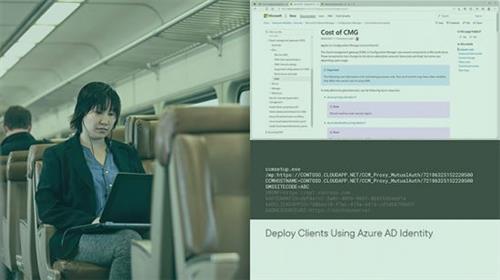
Greg Shields | Duration: 1:25 h | Video: H264 1280x720 | Audio: AAC 48 kHz 2ch | 204 MB | Language: English + SUB
Extend your MECM infrastructure outside the LAN and bring internet-based clients under management by deploying the Cloud Management Gateway in this course.
Everything you've seen in the learning path thus far has focused on the on-premises use case. These days, though, the endpoint management solution your organization needs is one that can also service internet-based clients. Extending your on-premises MECM infrastructure to manage those clients is the topic for this course. You accomplish it by preparing for and deploying MECM's Cloud Management Gateway into an available Azure subscription.
Video Training → Linkedin - Ableton Live 11 Essential Training The Basics
Published by: voska89 on 26-10-2021, 19:10 | 0
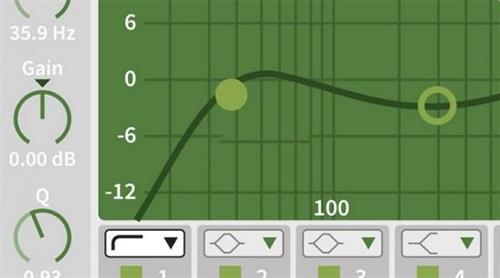
Rick Schmunk | Duration: 9:15 h | Video: H264 1280x800 | Audio: AAC 48 kHz 2ch | 3 GB | Language: English
Do you work in audio recording, loop-based songwriting, or synth and sound design? Are you looking for a kickstart to learn to work effectively with Ableton Live? In this course, music professor Rick Schmunk walks you through all the essentials of using Ableton Live 11. Rick shows you how to set up your system and use the Ableton Live user interface. He explains how to work with the browser, the Arrangement view, and the Session view. After going over how to use the MIDI Editor, how to record and edit audio, and how to work with arrangements, Rick covers plug-ins, effects racks, the live mixer, and mapping. Then he demonstrates how to make your life easier by automating graphics, editing, and clips, including real-time automation. Rick concludes with some practical advice on managing your files.
Homepage
Video Training → Lady Gunslinger - A tutorial of production of a model of a fair lady character
Published by: voska89 on 26-10-2021, 19:09 | 0
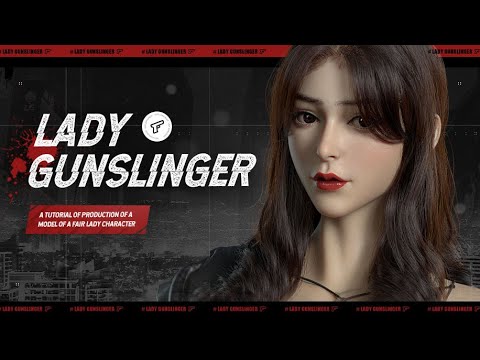
Video: MPEG4 Video (H264) 1920x1080 24fps 156kbps | Audio: AAC 44100Hz stereo 64kbps
Genre: eLearning | Duration: 40hrs+ | Language: Chinese | Subtitles: English | File size: 4.2 GB
This tutorial aims to teach you how to make your personal design based on what you already have. We mainly use DAZ basic model and UV maps to complete your design efficiently. This tutorial will be based on a case study of the lady gunslinger. We will go through the production of maps, accessory, clothes, hair, lighting rendering and a simple composition in PS to produce the final work.
Video Training → JKD Body Weapon - Weapon Training DVD
Published by: voska89 on 26-10-2021, 19:09 | 0
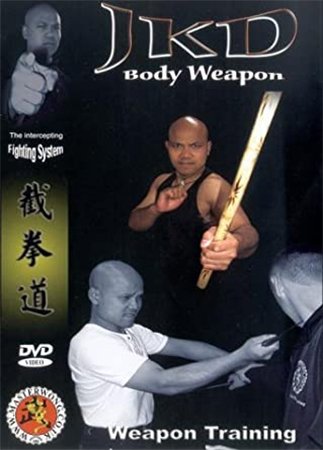
Michael Wong | Duration: 3:20 h | Video: Xvid 720x480 | Audio: MP3 44,1 kHz 2ch | 1,27 GB | Language: English
Weapon Training introduces the devastating knife and stick fighting arts to Master Wong's Body Weapon System. Training without form or routine, these weapon arts are designed for use in the real world as a fast and effective add-on to JKD. Expect lightening fast takedowns and the hard truth of real weapon training in this DVD's content.
Using the knife as both attack and defense, you will be taught techniques to deal with the most common situations. You will practice in real time and develop the confidence you need to use technique with skill and power.
Video Training → Introduction to the SC-300 Microsoft Identity and Access Administrator Exam
Published by: voska89 on 26-10-2021, 19:08 | 0
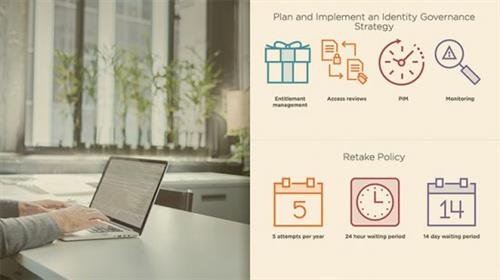
Sahil Malik | Duration: 0:14 h | Video: H264 1280x720 | Audio: AAC 48 kHz 2ch | 22 MB | Language: English + SUB
As an identity and access administrator you are expected to learn certain key skills. This course will teach you the basic skills and details of the SC-300 exam.
As an identity and access administrator you are expected to learn certain key skills and the SC-300 exam ascertains your grasp on those skills. In this course, Introduction to the SC-300: Microsoft Identity and Access Administrator Exam, you'll learn the skills and concepts you must master to clear this exam. First, you'll explore the exam outline. Next, you'll discover the exam format. Finally, you'll learn some helpful tips and tricks that will help you prepare and clear this exam. When you're finished with this course, you'll have the skills and knowledge of managing the various aspects of your Azure Active Directory needed to pass the SC-300 exam.
Video Training → Implementing Cisco Multiprotocol Label Switching (MPLS)
Published by: voska89 on 26-10-2021, 19:07 | 0
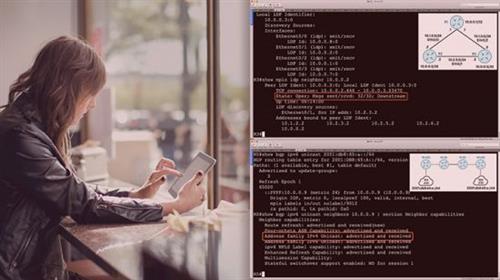
Nick Russo | Duration: 3:44 h | Video: H264 1280x720 | Audio: AAC 48 kHz 2ch | 516 MB | Language: English + SUB
MPLS is an apex technology that combines routing, tunneling, and multi-tenancy. This course will teach you how to configure and troubleshoot MPLS core and edge components using a large-scale network topology.
The versatility and dynamicity of MPLS make it a technology worth knowing because it solves a variety of business problems. In this course, Implementing Cisco Multiprotocol Label Switching (MPLS) , you'll learn how to design, implement, and troubleshoot MPLS networks using a large topology as a testbed. First, you'll build a basic MPLS transport network using OSPF and LDP, laying the groundwork for future MPLS edge services. Next, you'll add BGP to the solution, providing global and multi-tenant transport across the core using layer-2 and layer-3 Virtual Private Networks (VPNs). Finally, you'll learn how to optimize and troubleshoot MPLS networks using Traffic Engineering (TE) and Operations, Administration, and Maintenance (OAM) tools, respectively. When you're finished with this course, you'll have the skills and knowledge of MPLS networking needed to manage a medium sized service provider or a large multi-tenant enterprise network.
Video Training → Gumroad - Patreon TERM 16 - Student Girl with Xavier Houssin
Published by: voska89 on 26-10-2021, 19:06 | 0

Video: MPEG4 Video (H264) 1920x1080 25fps 353kbps | Audio: AAC 48000Hz stereo 255kbps
Genre: eLearning | Duration: 4hrs+ | Language: English | File size: 1.7 GB
Here's the content :
Video Training → Gumroad - 3D Rendering for VFX & Games - ULTIMATE Online Course
Published by: voska89 on 26-10-2021, 19:06 | 0
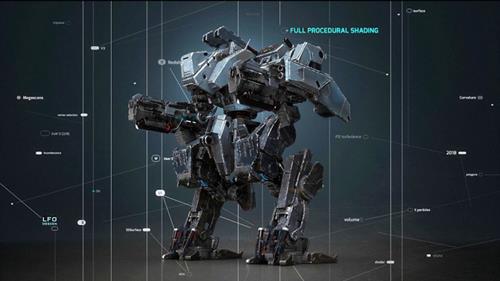
Video: MPEG4 Video (H264) 1920x1080 23.976fps | Audio: AAC 44100Hz stereo 127kbps
Genre: eLearning | Duration: 10hrs+ | Language: English | File size: 15.5 GB
C4D / Redshift 3D online course currently with more than 175 chapters ready for you!
Video Training → Groove3 - Mixing Synths Explained
Published by: voska89 on 26-10-2021, 19:05 | 0
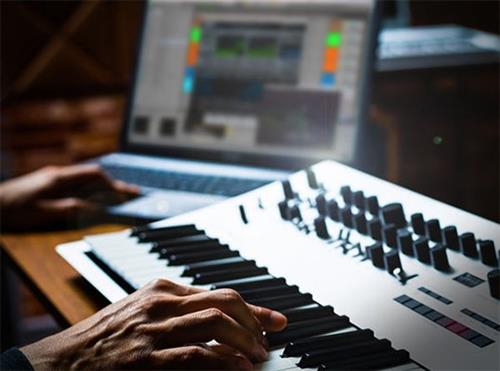
Thomas Cochran | Duration: 24:28 h | Video: H264 1920x1080 | Audio: AAC 44,1 kHz 2ch | 238 MB | Language: English
Synth pro Thomas Cochran presents a series of comprehensive video tutorials on mixing synths! If you've struggled with flat, lifeless synth sounds that don't sit nicely in the mix, this video series will show you step-by-step how to do it. In this course, Thomas lays out a myriad of strategies to deal with common issues, including harshness, lack of clarity, and lifeless tone, among many others. Each strategy is illustrated with revealing audio examples so you can hear these concepts in a musical context. These videos are for novice mixing engineers.
Thomas welcomes you and begins with the all-important topic of EQ, explaining how it can be used to tame the harshness that's common in some VST synths. He also illustrates how a harmonic exciter can be creatively used after the EQ to help restore any detail or clarity that may have been lost in the EQ stage.

