



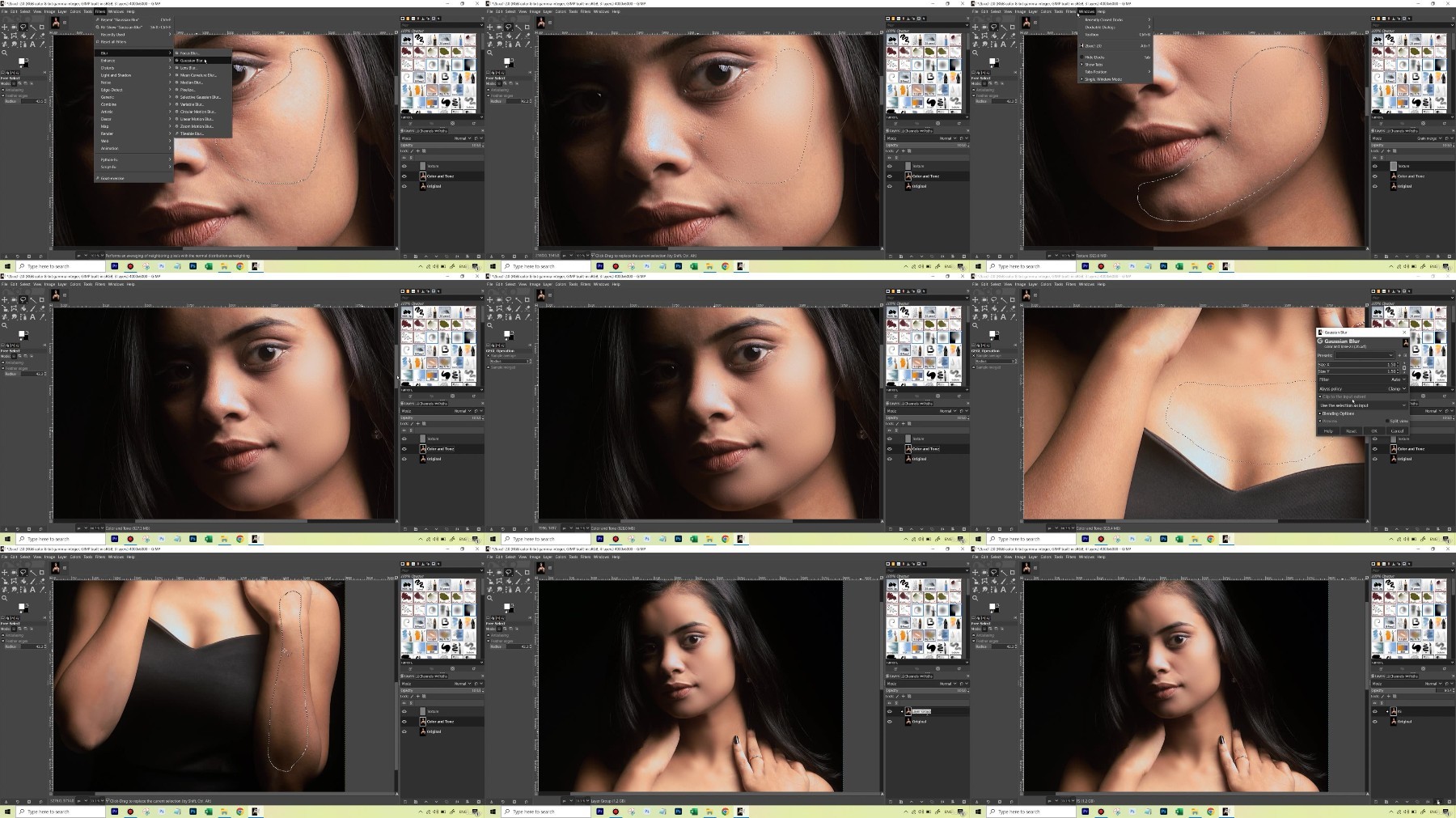
Video Training →GIMP Photo Editing Crash Course - Made for Photographers
Published by: ad-team on 9-12-2023, 11:31 |  0
0

Download Free Download : GIMP Photo Editing Crash Course - Made for Photographers
mp4 | Video: h264,1280X720 | Audio: AAC, 44.1 KHz
Genre:eLearning | Language: English | Size:2.46 GB
Files Included :
1 Introduction to the Course.mp4 (29.18 MB)
MP4
2 Why GIMP is an Amazing Photo Editing Software.mp4 (22.42 MB)
MP4
3 Downloading and Installing GIMP.mp4 (13.95 MB)
MP4
1 Some Important Shortcuts and Functions in GIMP.mp4 (86.16 MB)
MP4
2 Getting Started by Cropping & Rotating and Understanding Layers.mp4 (70.05 MB)
MP4
3 Using the Exposure and ShadowsHighlights Function.mp4 (110.9 MB)
MP4
4 Saving an Image as a GIMP Project Document.mp4 (37.36 MB)
MP4
5 Using the Color Temperature and Hue Saturation Functions.mp4 (123.32 MB)
MP4
6 Understanding the Undo History Tab and Talking About a Non-Destructive Workflow.mp4 (53.33 MB)
MP4
7 Using the Histogram and Color Balance Functions.mp4 (181.83 MB)
MP4
8 Using the Clone Tool to Remove Distractions.mp4 (107.78 MB)
MP4
9 Adding a Watermark and Exporting the Final Edit.mp4 (64.12 MB)
MP4
2 How to Open RAW Images in GIMP & Seeing the Differences When Editing a RAW File.mp4 (94.39 MB)
MP4
1 Introduction to the Second Edit.mp4 (12.7 MB)
MP4
10 Making Some Final Changes to the Exposure.mp4 (21.87 MB)
MP4
2 Understanding the Different Precision Modes of Editing - 8-bit16-bit32bit.mp4 (21.92 MB)
MP4
3 Using the Levels Function to Correct the ColorsWhite Balance - Part 1.mp4 (30.92 MB)
MP4
4 Using the Levels Function to Correct the ColorsWhite Balance - Part 2.mp4 (72.06 MB)
MP4
5 Using the Color Balance Function to Fine-tune the Colors.mp4 (53.29 MB)
MP4
6 Using the Healing Tool to Retouch the Skin.mp4 (107.48 MB)
MP4
7 Using the Unsharp Mask Function to Sharpen Texture.mp4 (78.47 MB)
MP4
8 Understanding Layer Masking in GIMP to do Localized Editing - Part 1.mp4 (102.53 MB)
MP4
9 Understanding Layer Masking in GIMP to do Localized Editing - Part 2.mp4 (36.82 MB)
MP4
1 Getting Started With Selections in GIMP.mp4 (118.59 MB)
MP4
2 Using Third Party Tools and GIMP to Make Selections - Part 1.mp4 (30.89 MB)
MP4
3 Using Third Party Tools and GIMP to Make Selections - Part 2.mp4 (38.84 MB)
MP4
4 Using Third Party Tools and GIMP to Make Selections - Part 3.mp4 (71.74 MB)
MP4
1 Frequency Separation in GIMP to Make the Skin Smooth - Part 1.mp4 (74.63 MB)
MP4
2 Frequency Separation in GIMP to Make the Skin Smooth - Part 2.mp4 (85.02 MB)
MP4
3 Frequency Separation in GIMP to Make the Skin Smooth - Part 3.mp4 (207.4 MB)
MP4
1 How to Merge Different Exposures in GIMP With One Click (HDR).mp4 (154.13 MB)
MP4
1 Changing the Color of the Background - Part 1.mp4 (156.44 MB)
MP4
2 Changing the Color of the Background - Part 2.mp4 (40.2 MB)
MP4
1 Conclusion.mp4 (10.65 MB)
MP4

https://rapidgator.net/file/1ab58b7affbc06669fe5251de39b8372/GIMP_Photo_Editing_Crash_Course_-_Made_for_Photographers.z01
https://rapidgator.net/file/da8794a3908ada325a879806a9e82288/GIMP_Photo_Editing_Crash_Course_-_Made_for_Photographers.z02
https://rapidgator.net/file/e24360d0adb2014ae57db086e41d20e7/GIMP_Photo_Editing_Crash_Course_-_Made_for_Photographers.zip
https://nitroflare.com/view/DD321C4908E1063/GIMP_Photo_Editing_Crash_Course_-_Made_for_Photographers.z01
https://nitroflare.com/view/FC3D4751BC90845/GIMP_Photo_Editing_Crash_Course_-_Made_for_Photographers.z02
https://nitroflare.com/view/400710ECF328F96/GIMP_Photo_Editing_Crash_Course_-_Made_for_Photographers.zip
Related News
-
{related-news}