



Video Training → Creature Modeling with Zbrush & Marmoset Toolbag
Published by: voska89 on 23-07-2022, 06:40 |  0
0
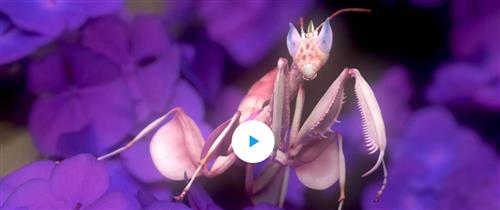
Instructors: Eric Keller | 22 Lessons | Duration: 5h 8m
Video: MP4 1920x1080 48 KHz | English | ZBrush/Maya/Marmoset Toolbag | Size: 5.678 GB
Eric Keller demonstrates how to accurately model a unique species of Mantis using ZBrush and Marmoset Toolbag in this 5-hour video workshop. Follow along with the project files provided, including Eric's personal references images, and sketches, along with his ZBrush Project files and the final Marmoset Toolbag render scene.
Video Training → The Gnomon Workshop - Designing & Modeling a Creature with Scales
Published by: voska89 on 21-07-2022, 12:50 | 0
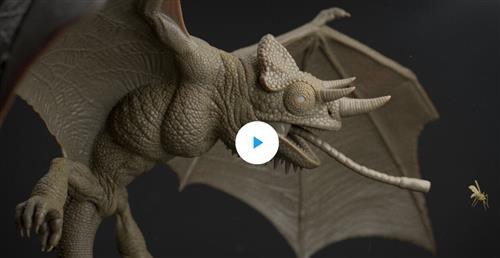
Instructors: DANIEL WEISS | 10 Lessons | Duration: 4h 50m
Video: MP4 1920x1080 48 KHz | English | ZBrush/Maya | Size: 1.8 GB
Learn how experienced character artists create production-ready creatures for a visual effects pipeline with this in-depth ZBrush and Maya modeling workshop by Senior Character Artist Dan Weiss.
Known for his dragon and reptile-inspired creature designs, Dan dives deep into his creative process for creating a scaly creature, from a simple idea to realizing the production-ready asset ready for a visual effects pipeline.
Video Training → Animating Creature Walk Cycles in Maya with Stephen Cunnane
Published by: voska89 on 15-03-2022, 00:06 | 0
Animating Creature Walk Cycles in Maya with Stephen Cunnane
Home Page
http://www.thegnomonworkshop.com/tutorials/animating-creature-walk-cycles-in-maya
Genre / Category: 3D Tutorials
File Size :919 MB
Product Details There are basic principles involved in creating a solid walk cycle for production that every animator should learn. This 3-hour workshop by Stephen Cunnane, an animator for the film industry, reveals the subtle yet complex process when it comes to animating a convincing walk cycle for four-legged animals or fantasy creatures. From covering the basics in anatomy and explaining how it plays into building the complex motions needed for detailed animation, to discussing and demonstrating the tools within Maya that can help you to stay organized, Stephen's workshop enables animators to create fast and efficient workflows. Throughout this workshop, you'll learn the importance of importing a rig as a proxy and discover all the benefits of using the Reference Editor to keep your scene well organized. Stephen also covers the topics of baking, motion tracking, and animation layers to add all the other secondary levels of animation. The second portion of the workshop focuses on animating the walk cycle before the final chapter, which explains how to add the wings, neck, and head, for a convincing creature animation.
Video Training → Creativity – Creature and World Design with Iain McCaig
Published by: voska89 on 11-03-2022, 12:34 | 0
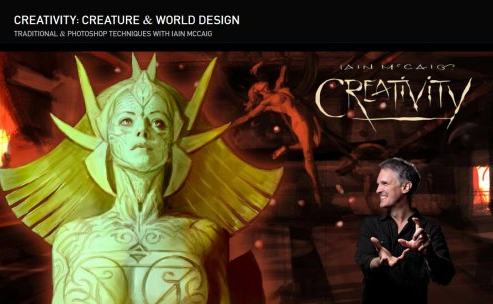
The Gnomon Workshop – Creativity – Creature and World Design with Iain McCaig
Home Page
https://www.thegnomonworkshop.com/tutorials/creativity-creature-world-design
Genre / Category:Photoshop Tutorials
File Size :532 MB
Product Details Following on from CREATIVITY: Story & Character Development With Iain McCaig, Iain continues the discussion of how to be creative and develop your own creativity with a look at Creature and World Design. This second volume details the design of not one but two creatures: Pyg's robot wife creation, and a mysterious alien from outer space. Additionally, Iain delves into the creation of Pyg's world: a rather strange art studio-laboratory environment.
Video Training → Udemy - Create a Creature Head in Cinema 4D
Published by: voska89 on 25-02-2022, 09:05 | 0

Instructors: Michael Balchaitis
3 sections * 17 lectures * 3h 38m total length
Video: MP4 1280x720 44 KHz | English + Sub
Video Training → Luis Cadavid - Creature Grooming Techniques in Houdini
Published by: voska89 on 12-01-2022, 17:31 | 0
Video: MPEG4 Video (H264) 1280x720 30fps | Audio: AAC 48000Hz stereo
Genre: eLearning | Duration: 185 Minutes | Language: English | File size: 6.3 GB
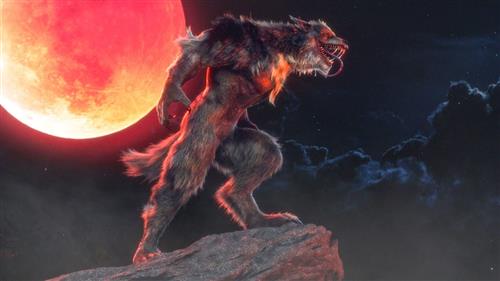
Learn how to create convincing creature grooms in Houdini with this 3-hour workshop by Groomer at Digital Domain, Luis Cadavid. A discussion of the concepts and tools that are used in this workshop takes precedence at the beginning before Luis jumps into Maya to explore his creature model. At this stage, the importance is on getting to know the volumes that will be used to create the creature groom and involves observing lots of reference materials before exporting the model to Houdini.
Video Training → Learn Squared - Creature Design with Milan Nikolic (2018)
Published by: Minhchick on 3-12-2021, 07:02 | 0
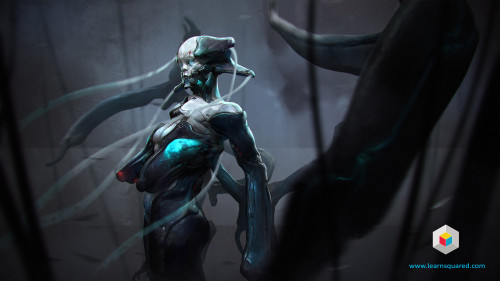
Learn Squared - Creature Design with Milan Nikolic (2018)
English | Size: 2.8GB
Category: Tutorial
It's a creature feature!
Video Training → Foundation Patreon - Creature Sketching with William Bao
Published by: Minhchick on 27-11-2021, 05:43 | 0
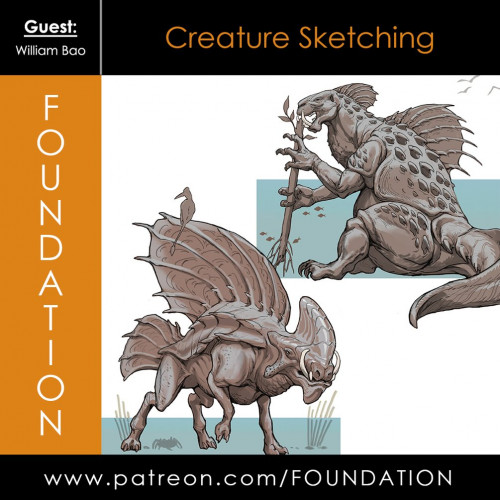
Foundation Patreon - Creature Sketching with William Bao
English | Size: 219.1MB
Category: Tutorial
Video Training → LinkedIn Learning - Sculpting a Creature with ZBrush and Photoshop
Published by: Minhchick on 11-11-2021, 09:29 | 0
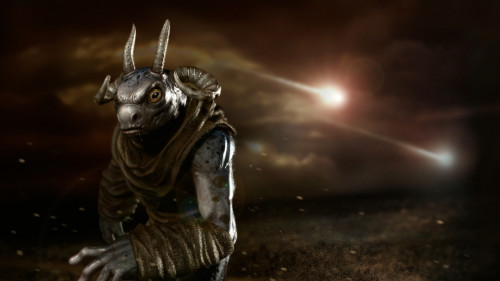
LinkedIn Learning - Sculpting a Creature with ZBrush and Photoshop
English | Size: 7.1GB
Category: Tutorial
Want to develop character concepts for the film and game industries?
Video Training → CGCircuit - Houdini Vellum Creature Setup
Published by: voska89 on 24-10-2021, 22:20 | 0
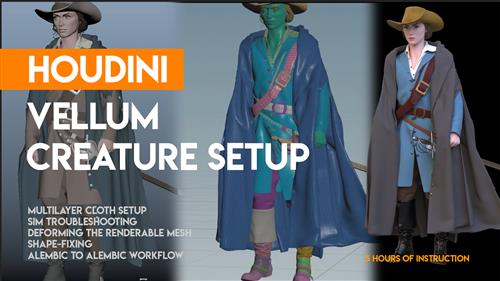
Duration: 4h 55m | Project Files Included | Video: 1920x1080, 48kHz | 18.9 GB
Genre: eLearning | Language: English | Beginner to Intermediate
A multi-layer Houdini vellum cloth creature setup from beginning to end. Starting with an alembic and ending with an alembic. Troubleshooting the difficult and fussy parts of the simulation, point-deforming back to the renderable mesh, cache-blending sims, and shape fixing the final geometry.

