



Software / System Tools →DNS Lock 1.5
Published by: LeeAndro on 10-01-2023, 05:32 |  0
0
File Size : 1 Mb
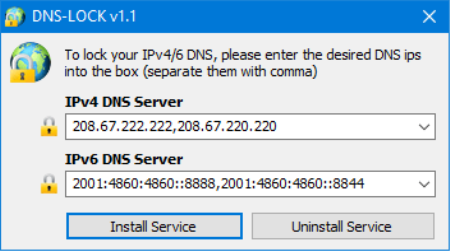
If you have an issue connecting to the internet and getting error like 'DNS servers not responding' please check your ipv4 Preffered DNS server , somes iPV4 preffered DNS server kept chag . No matter how many s you change it to 'Obtain DNS server automatically' or the preffered and alternate DNS servers to what they actually are they can revert back . "DNS Server issue" is generally occured due to harsh VIRUS attack , auto DNS chag software or an Antivirus software's Secure DNS settings but somes None of the solutions works (even Formatting) in such situation Dns Lock can help you to keep ipv4 Preffered DNS servers constant, it can prevent them to chag automatically .
Whats New
-[Fixed] The program interface and icons are too small
-[Fixed] The software can be closed from the task manager.
-[Added] Refresh option
-[Added] High contrast support
-[Added] Some codes have been Improved
HomePage:
https://www.sordum.org/DOWNLOAD
1dl
uploadgig
rapidgator
Related News
-
{related-news}