



Video Training → Beginner RAW Processing with Chris Orwig
Published by: voska89 on 3-01-2022, 14:18 |  0
0
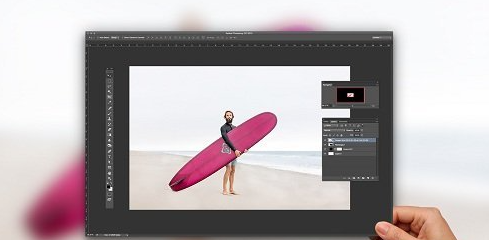
Beginner RAW Processing with Chris Orwig
Home Page
https://www.creativelive.com/class/beginner-raw-processing-chris-orwig
Genre / Category: Photography
File Size :1GB
Product Details Understand the foundations of Adobe Camera Raw photo format. Explore the power of using it as a standalone application to make compelling and non-destructive improvements to your images. Chris Orwig will walk you through the process of improving exposure, fine-tuning color, reducing noise, sharpening, cropping, and more.
Video Training → Advanced RAW Processing with Chris Orwig
Published by: voska89 on 31-12-2021, 03:21 | 0
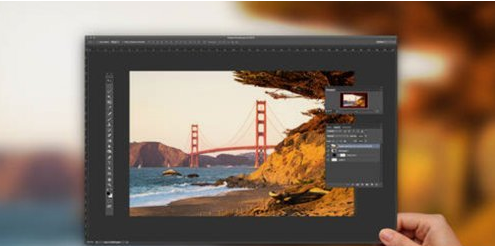
Advanced RAW Processing with Chris Orwig
Genre / Category: Photography
Home Page
https://www.creativelive.com/class/advanced-raw-processing-chris-orwig
File Size :1 GB
Product Details
Take a deep dive into Adobe Camera Raw and go beyond the basics to apply RAW processing to more challenging photo editing needs. Learn how ACR can make your post-processing more efficient and more creative. Chris Orwig will explore the creation of better black and white images, shortcuts, speed tips, and selective adjustments. Incorporate blemish correction, the addition of creative effects, and lens corrections into your editing before you ever leave RAW format.
Video Training → Chris Orwig - Portrait Retouching 101 Course Video
Published by: voska89 on 15-07-2021, 13:36 | 0
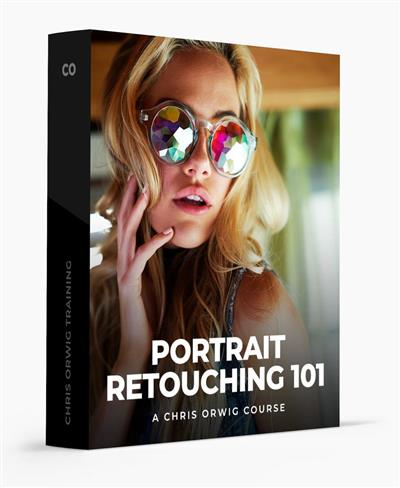
Video: MPEG4 Video (H264) 1280x722 (85:48) 15fps 341kbps | AAC 44100Hz stereo 128kbps | Genre: eLearning
Software: Photoshop + Lightroom | Level: Beginner | Duration: 2hr | Language: English | File size: 980 MB
Learn how to improve portraits in Photoshop and Lightroom.
Video Training → Portrait Gear 101 with Chris Orwig
Published by: voska89 on 3-07-2021, 13:51 | 0
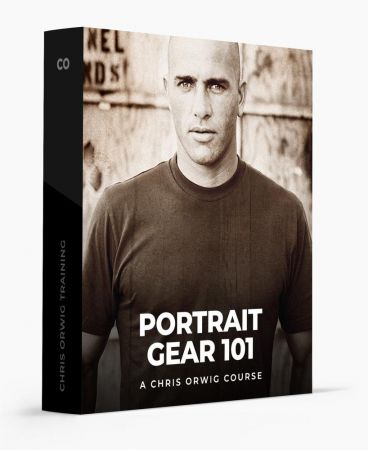
Video: MPEG4 Video (H264) 1920x1080 30fps 2688kbps | AAC 44100Hz stereo 128kbps | Genre: eLearning
Level: Beginner | Duration: 58 Minutes | Language: English | File size: 1.1 GB
Learn what lenses and gear are best for the portraits you want to create in what situations.