



Video Training → Groove3 - SynthMaster One Explained
Published by: voska89 on 18-11-2021, 22:52 |  0
0
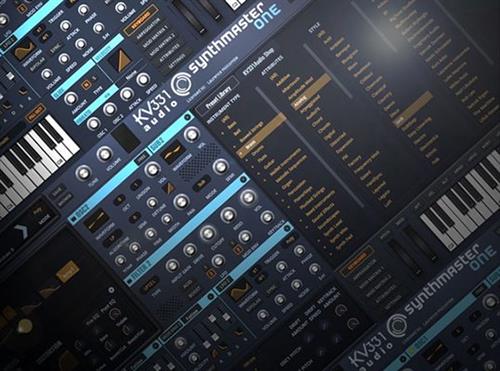
Larry Holcombe | Duration: 2:05 h | Video: H264 1920x1080 | Audio: AAC 48 kHz 2ch | 383 MB | Language: English
Synth wiz Larry Holcombe delivers detailed KV331 Audio SynthMaster One tutorials! Explore this in-depth video manual for KV331's awesome SynthMaster One virtual synth plug-in, and learn all of its features and functions, including how to use them to create killer synth sounds. These videos are designed for new SynthMaster One users.
Larry welcomes you and gives an in-depth introduction to SynthMaster One including its basic layout, architecture and user interface, plus helpful preset management info. Then it's on to SynthMaster One's powerful oscillators and all of their available types, including Sync, Pulse Width and Bit Crush algorithms that make for endless sonic possibilities.
Video Training → Groove3 - Developing Synth Sounds Explained
Published by: voska89 on 18-11-2021, 22:52 | 0
Thomas Cochran | Duration: 3:45 h | Video: H264 1920x1080 | Audio: AAC 44,1 kHz 2ch | 502 MB | Language: English
Synthesizer pro Thomas Cochran delivers in-depth synth sound design video tutorials! See how to make and develop a wide variety of popular synth sounds, including techniques that you can use to enhance and improve any type of sound. These videos are for those who already have an understanding of how synths work and the terminology used for identifying their features and functions. Finished presets are also included!
These synth sound design videos are shown using Xfer Serum, arguably one of the most popular virtual synth instruments available today, but the info can be applied to any virtual or hardware synth. Thomas also uses some 3rd party effects including the free Tal Chorus LX and OTT compressor, as well as "paid for" Native Instruments Transient Master and Fab Filter Saturn. These are used to "finish" the sounds, but you can use any chorus, compressor, transient or saturation plug-in to get similar results.
Video Training → Groove3 - Vital Explained
Published by: voska89 on 17-11-2021, 15:40 | 0
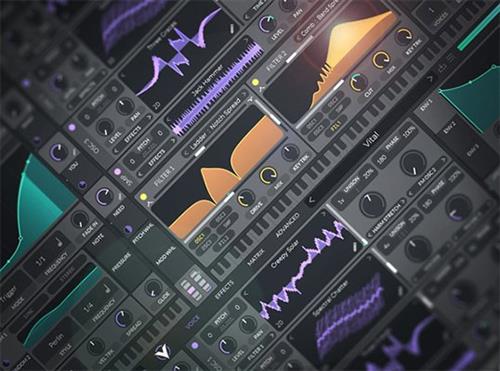
Larry Holcombe | Duration: 3:16 h | Video: H264 1920x1080 | Audio: AAC 48 kHz 2ch | 489 MB | Language: English + SUB
Synth expert Larry Holcombe presents a comprehensive set of Vital video tutorials! If you're looking for groundbreaking new sounds to set your tracks apart from the masses, you need to check out this video series. Larry breaks down every awesome feature of this innovative synth plugin and demonstrates the amazing and inspiring sounds that are possible. From simple preset scrolling to creating your own inimitable sounds from scratch, it's all here. These videos are for new Vital users.
Larry welcomes you and starts with an overview of the interface, getting your feet wet by demonstrating how to audition some preset sounds so you can get inspired right away. Then you'll dive into the oscillators and learn about routing possibilities, along with the synth's unique visual approach to wavetables and spectral morphing. Next, Larry covers the use of FM synthesis and how it's used to generate rich textures with carrier and modulator oscillators.
Video Training → Groove3 - Dune 3 Explained
Published by: voska89 on 17-11-2021, 15:40 | 0
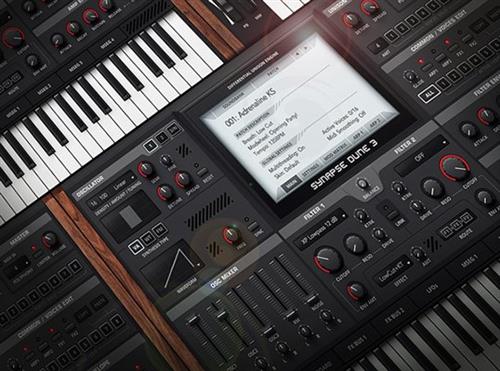
Larry Holcombe | Duration: 2:30 h | Video: H264 1920x1080 | Audio: AAC 48 kHz 2ch | 379 MB | Language: English
Studio expert Larry Holcombe presents comprehensive Dune 3 video tutorials! Synapse's Dune 3 is one of the most versatile and powerful soft synths on the market, which means it can also be a bit intimidating for the less-experienced user. Well, look no further! In these Dune 3 tutorials, Larry will demystify Dune3 and walk you through all the most important features from the ground up. From the interface and signal flow to advanced tweaking of the oscillators, filters, arpeggiator, and more, you'll learn it all! These videos are for new Dune 3 users.
Larry welcomes you and begins by introducing the synth's interface, illustrating how to load/save presets and provides a quick overview of the instrument's architecture. You'll explore the oscillators - including creative uses for noise and unison tuning - and also learn about the sound-shaping possibilities with Wavetable Mode and FM Mode.
Video Training → Groove3 - Arturia Buchla Easel V Explained
Published by: voska89 on 17-11-2021, 15:39 | 0
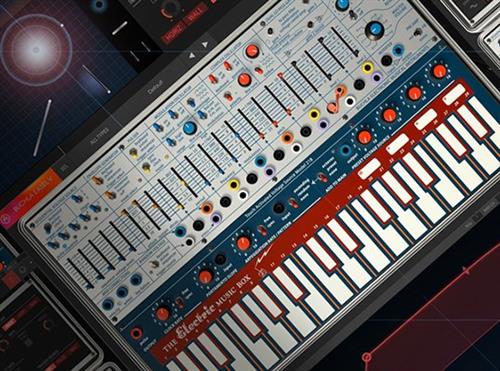
Tyler Coffin | Duration: 1:43 h | Video: H264 1920x1080 | Audio: AAC 48 kHz 2ch | 331 MB | Language: English
Synth expert Tyler Coffin presents comprehensive Arturia Buchla Easel V video tutorials! If you want to learn how to get the most out of this amazing West Coast synthesizer emulation, this is the course to watch! Tyler breaks down this incredible instrument piece by piece, demonstrating each section with examples that highlight the amazing sounds possible. These videos are for new Buchla Easel users.
Tyler welcomes you and then starts with a brief overview of the synth's layout and structure and also provides a bit of history on the classic hardware unit. Then explore the workflow of the Easel and discover some of the many ways you can generate sounds and send them through various signal paths.
Video Training → Groove3 - Omnisphere 2 Explained
Published by: voska89 on 14-11-2021, 22:14 | 0
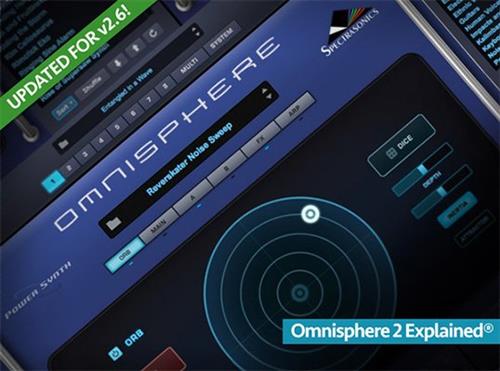
Eli Krantzberg | Duration: 4:54 h | Video: H264 1600x900 | Audio: AAC 44,1 kHz 2ch | 1,25 GB | Language: English + SUB
Eli Krantzberg returns with the most comprehensive video tutorial series on Spectrasonic's flagship virtual instrument, Omnisphere 2. In this comprehensive series, Eli covers every aspect of this powerful and versatile instrument, as well as teaching you how to use it creatively!
Updated for v2.6, Eli begins with working with the library, exploring the Browser, How To Search, Filter Your Search, Load Sounds, Import Audio, and Work With Projects. From there, Eli dives into working with the Synth Engine, going deep into Layers, Oscillators, Sample Mode, Synthesis Controls, and the various Modes.
Video Training → Groove3 - Arturia Modular V Explained
Published by: voska89 on 14-11-2021, 22:14 | 0
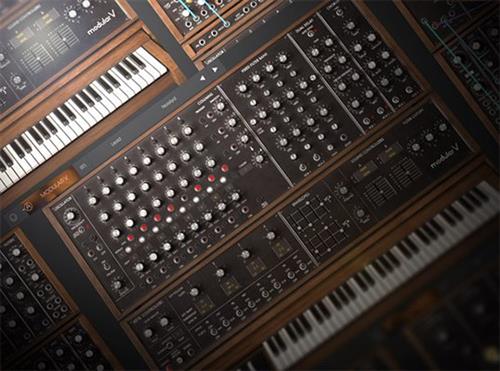
Tyler Coffin | Duration: 2:16 h | Video: H264 1920x1080 | Audio: AAC 48 kHz 2ch | 716 MB | Language: English
Synth guru Tyler Coffin brings you detailed Arturia Modular V tutorials! See and hear how Arturia has brought back the synth that started it all, the legendary Moog Modular synthesizer. Learn all of the Modular V's features and functions as well as how to make awesome sounds with this powerful virtual recreation. Plus, you also get a patch template and custom presets made in the video series. These videos are designed for new Arturia Modular V users.
Tyler starts with an in-depth overview of the Modular V, followed by how to navigate the user interface and basic operational info. He then goes deep into the powerful Oscillator Modules, VCAs, Modulation Envelopes & LFOs, as well as the Filter Modules and many others, so you have a complete understanding of all the different sections contained in this massive synth and how to use them.
Video Training → Groove3 - Arturia Jun-6 V Explained
Published by: voska89 on 14-11-2021, 22:13 | 0
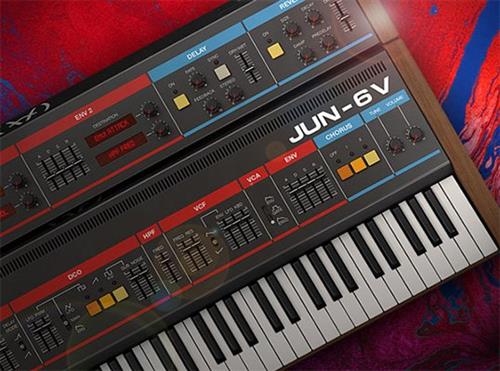
Tyler Coffin | Duration: 1:26 h | Video: H264 1920x1080 | Audio: AAC 48 kHz 2ch | 237 MB | Language: English
Synth pro Tyler Coffin delivers in-depth Arturia Juno-6 V tutorials! See and hear how Arturia has recreated one of the most legendary '80s synths, the Roland Juno-6 synthesizer. Learn all of the Juno-6 V's features and functions as well as how to make classic sounds with this amazing virtual recreation. In addition, you also get the presets made in the video series. These videos are designed for new Arturia Jun-6 V users.
Tyler begins with an in-depth overview of the Jun-6 V and some history about the original Roland Juno-6, followed by how to use the Jun-6 GUI and some helpful operational info. Then you'll dive deep into the single digitally controlled oscillator or DCO, which generates the polyphonic analog sound that comes from the original instrument. The Jun-6 filters, amplifier, envelopes and LFOs are then revealed and explained, so you know exactly what they do, and how they affect the sound, so you can utilize them effectively when building your patches.
Video Training → Groove3 - Mixing Synths Explained
Published by: voska89 on 26-10-2021, 19:05 | 0
Thomas Cochran | Duration: 24:28 h | Video: H264 1920x1080 | Audio: AAC 44,1 kHz 2ch | 238 MB | Language: English
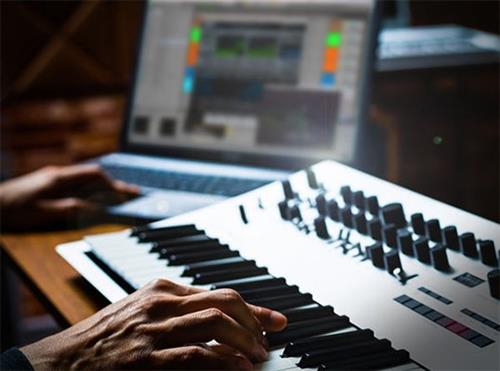
Synth pro Thomas Cochran presents a series of comprehensive video tutorials on mixing synths! If you've struggled with flat, lifeless synth sounds that don't sit nicely in the mix, this video series will show you step-by-step how to do it. In this course, Thomas lays out a myriad of strategies to deal with common issues, including harshness, lack of clarity, and lifeless tone, among many others. Each strategy is illustrated with revealing audio examples so you can hear these concepts in a musical context. These videos are for novice mixing engineers.
Thomas welcomes you and begins with the all-important topic of EQ, explaining how it can be used to tame the harshness that's common in some VST synths. He also illustrates how a harmonic exciter can be creatively used after the EQ to help restore any detail or clarity that may have been lost in the EQ stage.
Video Training → Groove3 - Arturia Vocoder V Explained
Published by: voska89 on 26-10-2021, 19:05 | 0
Tyler Coffin | Duration: 1:41 h | Video: H264 1920x1080 | Audio: AAC 48 kHz 2ch | 391 MB | Language: English
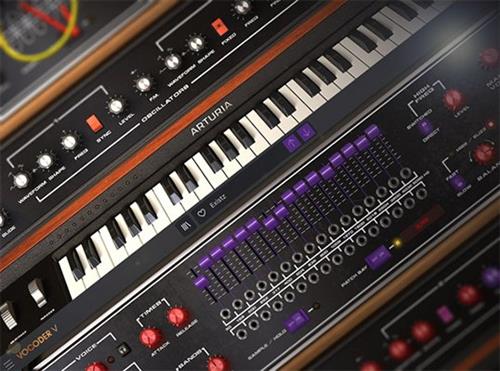
Synth wiz Tyler Coffin presents detailed Arturia Vocoder V tutorials! Learn all about Arturia's virtual recreation of a classic Moog vocoder from the '70s, including its features and functions, and how to make exciting sounds from scratch. These videos are designed for new Arturia Vocoder V users.
To start, Tyler welcomes you and demystifies the Arturia Vocoder V, giving you the history of the Vocoder and what it can do. Then you'll get an in-depth overview of the main user interface and general layout, so you can easily navigate it and find its important functions. Tyler then breaks down the anatomy of the Vocoder so you understand its signal flow and can put it to use in your DAW.

