



For MacOSX → Valentina Studio Pro 12.6.2 macOS
Published by: LeeAndro on 9-01-2023, 07:39 |  0
0

Language: Multilingual | File size: 150 MB

For MacOSX → Audiority Pyros v2.1.0 macOS
Published by: LeeAndro on 9-01-2023, 06:41 | 0
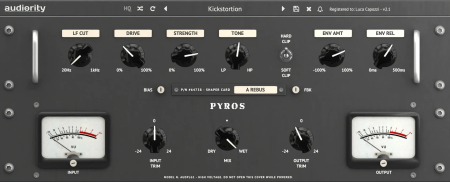
ViP | 09 January 2023 | macOS | 82 MB
For MacOSX → Audiority Echoes T7E MKII v2.2.2 macOS
Published by: LeeAndro on 9-01-2023, 06:41 | 0

ViP | 09 January 2023 | macOS | 420 MB
For MacOSX → Audiority XenoVerb v1.4.2 macOS
Published by: BaDshaH on 8-01-2023, 19:35 | 0
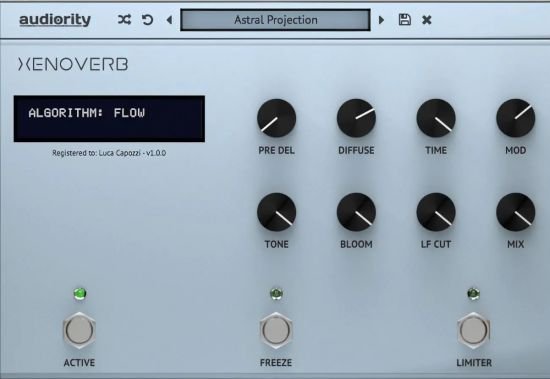
ViP | 08 January 2023 | 19 MB
XenoVerb is a versatile reverb processor featuring both classic and creative reverb algorithms delivering a wide range of reverbs with a clean and simple interface.
For MacOSX → EdgeView 3.9.2 macOS
Published by: BaDshaH on 8-01-2023, 19:35 | 0
File size: 33 MB
EdgeView 3 is fast image viewer has elegant user interface. EdgeView 3 is developed and designed for modern MacOS. It can open various image files such as JPEG, PNG, TIFF, BMP, and RAW file of DSLR, EPS and PDF, AI(Adobe Illustrator). Can open image files in archive directly without extraction.
For MacOSX → Flyingbee Reader - PDF Reader Pro 3.2.6
Published by: BaDshaH on 8-01-2023, 19:34 | 0
File size: 13 MB
Flyingbee Reader makes working with pdf easier on Mac than ever before due to the simplicity of its interface and feature-rich functions. Flyingbee Reader is more than a pdf viewer, technology makes it become an advanced pdf annotation marker and editor.
For MacOSX → Awaken 6.4.5 macOS
Published by: BaDshaH on 8-01-2023, 19:31 | 0

Language: Multilingual | File size: 21 MB
Awaken turns your Mac into the ultimate music alarm clock and sleep timer.
For MacOSX → FontBook 5.3.1 (61) Beta macOS
Published by: BaDshaH on 8-01-2023, 19:30 | 0

File size: 24 MB
FontBook is the ultimate font utility for all macOSusers who require a quick, easy and comprehensive overview of all their fonts.
For MacOSX → Simple DNS Plus 9.1 Build 108 (x64)
Published by: BaDshaH on 8-01-2023, 18:34 | 0
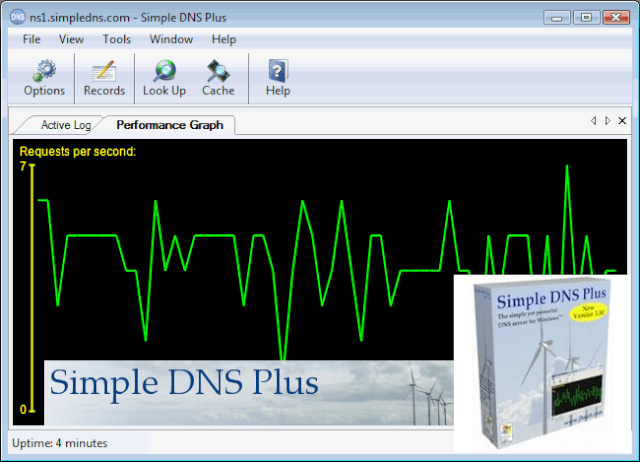
File Size: 17.2 MB
The simple yet powerful DNS server for Windows . What makes Simple DNS Plus "simple" is its user interface and automation features. All options and settings are available directly from the intuitive Windows user interface. It provides wizards for common tasks such as setting up new zones, importing data, making bulk updates, etc. You never need to mess with cryptic configuration files or registry settings.

